Trial & license
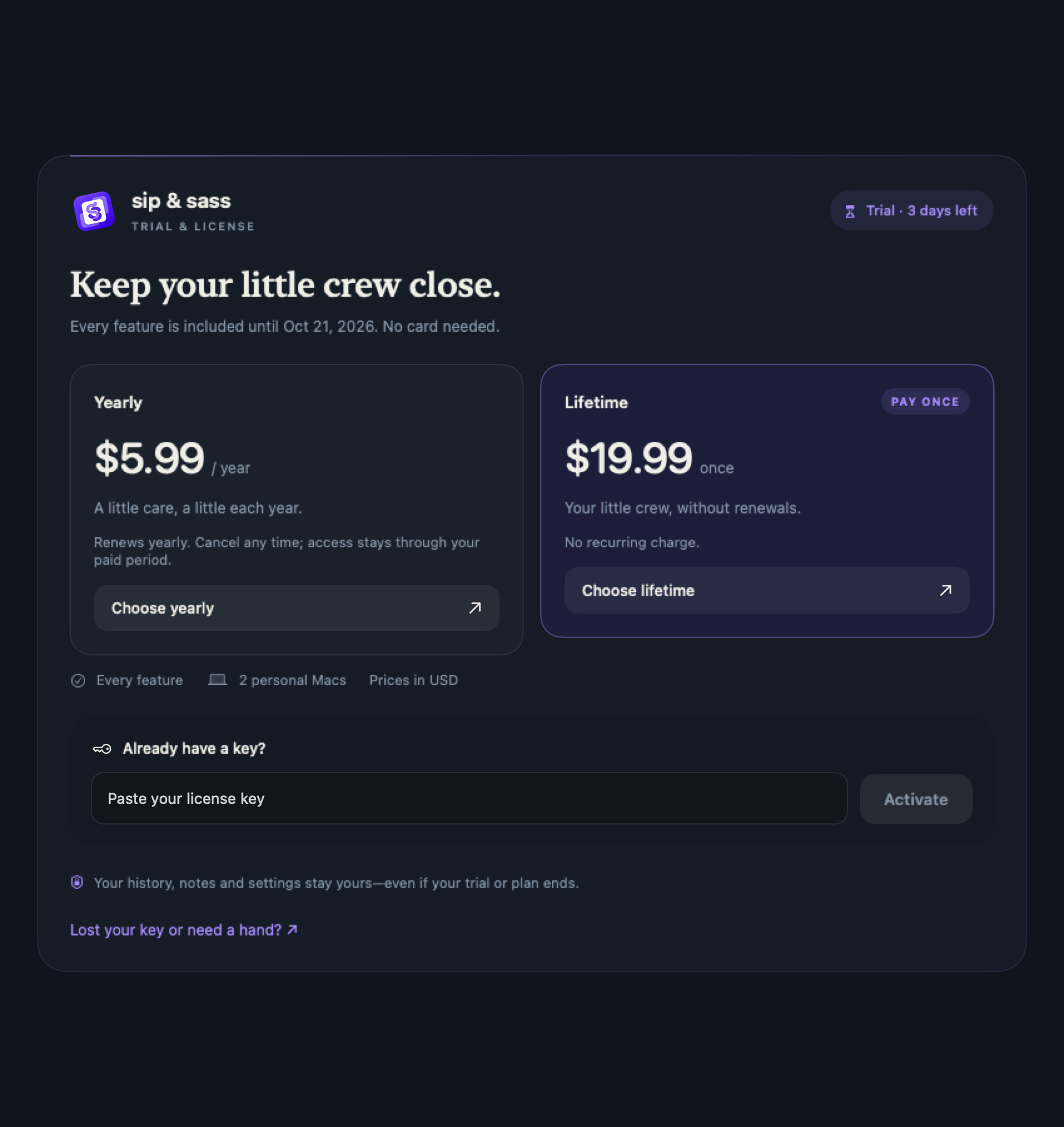
Try the whole app for 3 days. Choose yearly or lifetime access when it feels right.
A 3-day full-feature trial
The trial runs for 72 hours from its start, not three days of active computer use. It does not require a payment card. Closing the app, sleeping your Mac or replaying onboarding does not reset or extend it.
Two plans, the same features
| Plan | Price (USD) | How it works |
|---|---|---|
| Yearly | $5.99 / year | Renews annually until cancelled. Cancelling keeps access through the paid-through date. |
| Lifetime | $19.99 once | No recurring charge. Access for the lifetime of this product. |
Both plans include the same companion and reminder features. The allowance is two personal Macs per key. Taxes, if applicable, are shown at checkout.
Activate a license
- Buy the plan for Sip & Sass. Croppy keys are for Croppy and cannot activate this app.
- Find the license key in your purchase email. Keep it private.
- Open the license section in Sip & Sass Settings, enter the key and activate while connected to the internet.
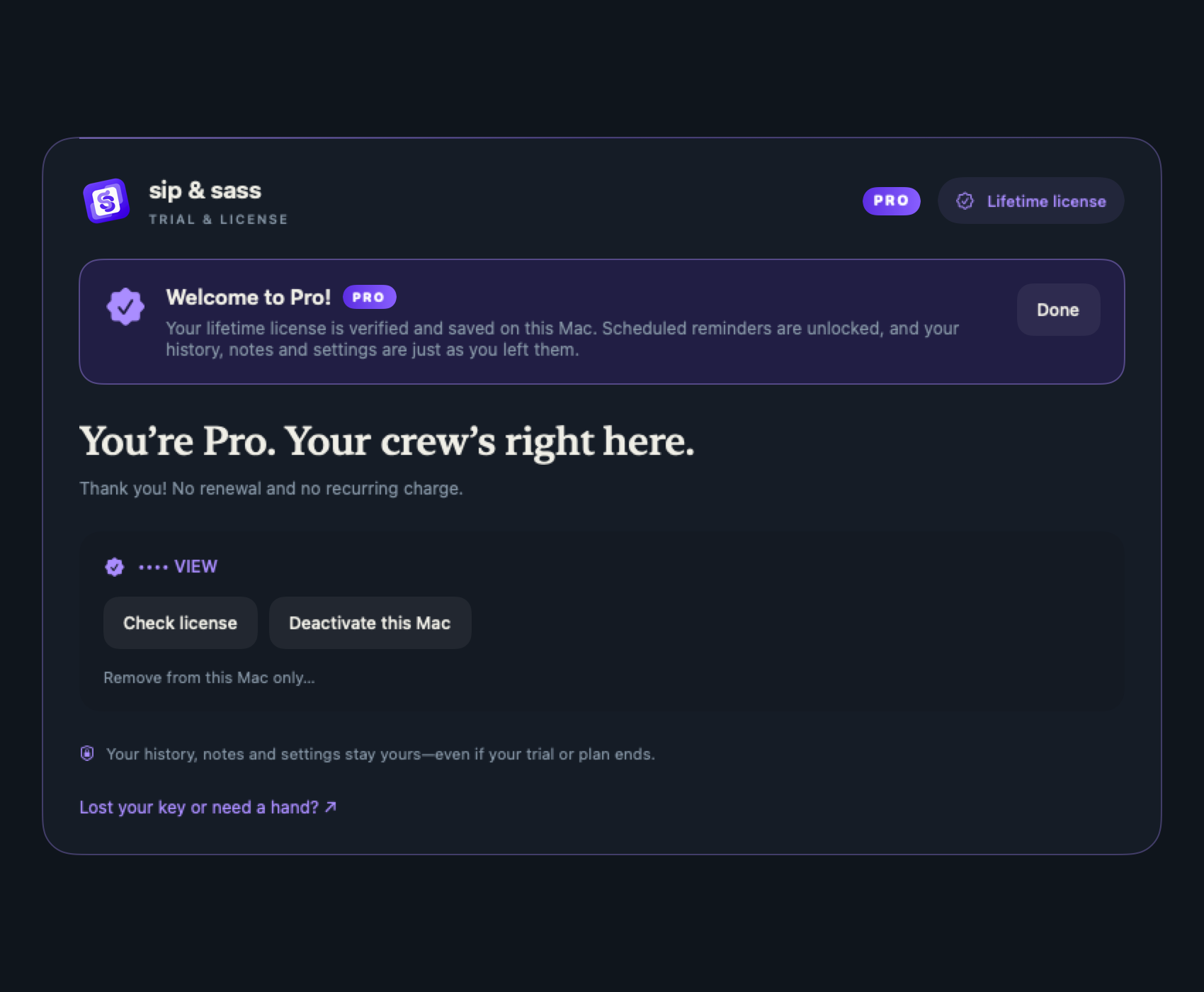
- Check that Settings shows your correct plan and active Pro access. Manage yearly billing and cancellation from your Dodo purchase email.
The app activates and checks keys directly with Dodo Payments over HTTPS. You do not need an account with Aira Builds. Keep your purchase email for billing and key recovery.
If your trial or subscription ends
Scheduled paid reminders stop until access is restored. Your existing history, notes and settings are not deleted. You can still open Settings and access your existing data. Companion previews and manual water logging remain available.
Offline use and moving to another Mac
A verified license checks in again after one day while the app is running. If the service cannot be reached, yearly access can continue for up to 14 days from the last successful verification, and lifetime access for up to 30 days. Settings shows when a check-in is due and when offline access ends. Dodo controls subscription validity. Cancel renewal to keep the paid period; an immediate cancellation, refund or revocation can disable the key. The app does not display a renewal date. Offline access can delay recognition of a disabled key. Connect and choose Check license to restore verified access.
Before moving to a new Mac, deactivate the old Mac in Settings to free its slot. If the old Mac is unavailable or you have lost the email, contact [email protected] with your purchase email or order reference. Do not send your full license key in a public post.