Meet Sip & Sass
A desktop crew for water, eye rest, movement and moments of focus. You choose the rhythm. Your buddy brings the personality.
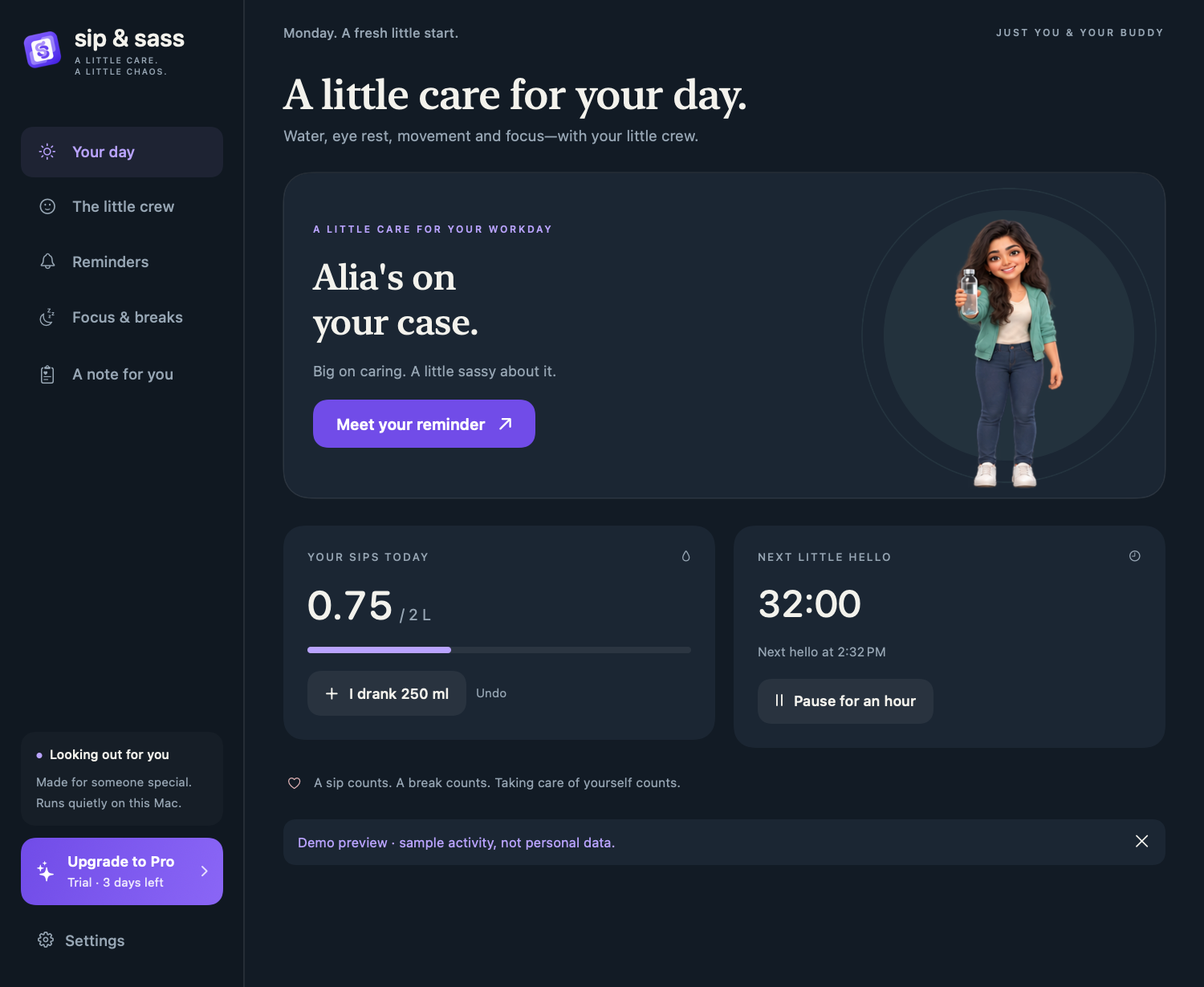
More than a water timer
- Water: a reminder at an interval you choose, with a drink log you control.
- Eye rest: a short invitation to look away from your screen and blink naturally.
- Movement: a separate break timer for changing position or stepping away.
- Focus: quiet time for this app, plus explicit protection for a meeting or presentation.
Meet the little crew
Dudu, Bubu, Rushie, Alia, Boo and Miso each have their own voice. Open The little crew and choose Try it on a card to preview a buddy. A preview does not log a drink or change your chosen companion.
A useful first five minutes
- Read Install & first launch and check that your Mac is supported.
- Pick a companion in the short, skippable tour.
- Choose a comfortable water interval. Add eye rest or movement only if you want them.
- Find the S&S icon in the menu bar. That is where you can pause reminders or open the app again.
For a complete walkthrough, start with water reminders on your Mac or eye rest, movement and Focus.
Works around the time you are here
Scheduled reminders run while the app is open and your Mac is awake and unlocked. Sleep and time away do not become a queue of overdue reminders. Coming back starts fresh intervals. Your personal water goal stays the same; it is not automatically recalculated from your Mac usage.